
AI TOOLS FOR VIDEO CREATION
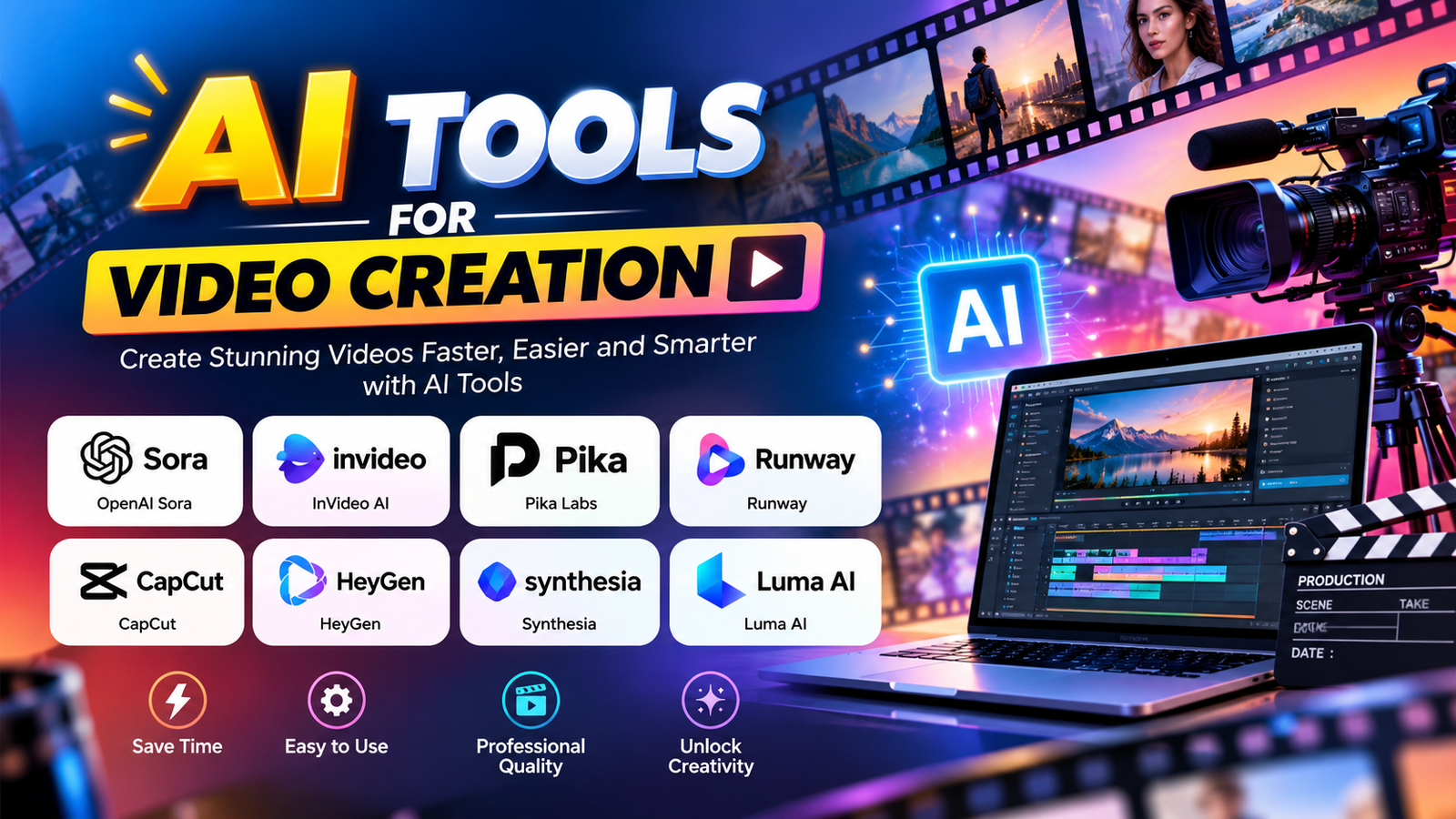
AI tools for video creation can generate video clips, presenters, and voices from a simple text prompt or image. You no longer need a camera, a studio, or a big team. This guide answers the most common questions students, teachers, business owners, and creators ask about these tools, from how they work to which ones to try first.
1. What are AI tools for video creation?
AI tools for video creation are platforms that use artificial intelligence to generate video content automatically. You give the tool a text prompt, an image, a script, or audio, and the AI creates video clips, scenes, animated characters, or a talking presenter. Some tools also create the voice-over and background sound.
2. How do AI tools create videos?
These tools use AI models trained on huge amounts of video and images. When you type a prompt such as "a teacher explaining a science experiment in a bright classroom," the model predicts and generates the moving frames that match your description. Image-to-video tools do the same, starting from a photo you upload and adding motion to it.
3. What are the main types of AI tools for video creation?
Text-to-video generators: create new clips from a written prompt (for example, Runway, Google Veo through Flow, Pika, Luma Dream Machine).
Image-to-video tools: animate a still image or illustration (offered by Runway, Luma, Pika, Leonardo and others).
AI avatar and presenter tools: generate a digital person who speaks your script (for example, Synthesia, HeyGen, Colossyan).
AI voice and narration tools: create natural voice-overs in many languages (for example, ElevenLabs).
Script-to-video tools: build a complete video from a script using AI-selected visuals and narration (for example, InVideo AI, Fliki).
4. Which are the best AI tools for video creation?
It depends on your goal:
Cinematic or creative clips from prompts: Runway, Google Veo (Flow), Luma Dream Machine, Pika
Presenter-style training and explainer videos: Synthesia, HeyGen
Quick social and marketing videos from a script: InVideo AI, Fliki
Realistic voice-overs: ElevenLabs
Storyboard-style filmmaking with AI: LTX StudioNew versions and tools launch often, so check each official website for current features and plans before choosing.
5. What is the best AI tool for video creation for beginners?
Beginners usually do best with tools that need only a script or a short prompt and have simple templates, such as InVideo AI, Fliki, or an avatar tool like HeyGen. Start with one tool, learn its prompt style, and then explore others.
6. Are there free AI tools for video creation?
Yes. Many tools offer a free plan or free trial with limits, such as short clip length, lower quality, limited credits, or a watermark. Paid plans for popular tools commonly start at around $10 to $35 per month, but prices change, so confirm on the official site.
7. How do I create a video with AI step by step?
Set your goal: a YouTube video, Reel, ad, or classroom lesson.
Write a clear prompt or script. Describe the subject, setting, style, and camera movement.
Choose the right AI tool for that type of video (text-to-video, avatar, or script-to-video).
Generate the clips and review them. Regenerate with a better prompt if needed.
Add voice-over and music using an AI voice tool.
Assemble and polish the final video in an AI video maker (see question 10).
Export in the right size, such as 16:9 for YouTube or 9:16 for Reels and Shorts.
8. How do I write a good prompt for AI tools for video generation?
Include these five things:
Subject: who or what is in the video
Action: what is happeningSetting: location, time of day, lighting
Style: realistic, cartoon, cinematic, documentary
Camera: close-up, wide shot, slow zoom, tracking shot
Example: "A young woman learning on a laptop in a modern classroom, soft morning light, realistic style, slow zoom in."
9. Can AI create a video from an image or a script?
Yes. Image-to-video tools bring a photo or illustration to life with motion. Script-to-video tools turn a written script into a complete video with visuals, narration, and captions.
10. What is an AI video maker, and where does it fit?
An AI video maker is used after your clips are generated. Once an AI tool creates your scenes, avatars, and voice-over, a video maker AI tool helps you join the clips, trim them, add captions, music, text, and transitions, and export the final video. Think of it this way: generation tools create the raw material, and the AI video maker finishes the video. Tools such as CapCut, Descript, Canva, Kapwing, and FlexClip are commonly used for this step.
11. What is the difference between an AI tools for video creation and an AI video maker?
An AI tools for video creation creates new video content from prompts, images, or scripts. An AI video maker assembles and edits clips into a finished, publishable video. Many creators use both in sequence. Some platforms combine the two steps in one place.
12. What can AI-created videos be used for?
Social media Reels, Shorts, and stories, YouTube channels, Business promotions and product ads., Online courses and teaching videos, Corporate training and internal communication, Explainer videos for services or software
13. What are the limitations of AI video creation tools?
Clips are often short, so longer videos need several clips joined together.
Hands, text on screen, and complex movement can look unnatural.
Results can vary, so you may need to regenerate a few times.Some features sit behind paid plans or credit limits.
14. Are AI video creation tools safe and legal to use?
They are safe when used responsibly:
Check the tool's terms for commercial use before using videos for business.
Do not create misleading content or imitate real people without their permission.
Make sure music, images, and voices are licensed for your use.
Avoid uploading private or confidential material to online tools.
15. Will AI replace video creators?
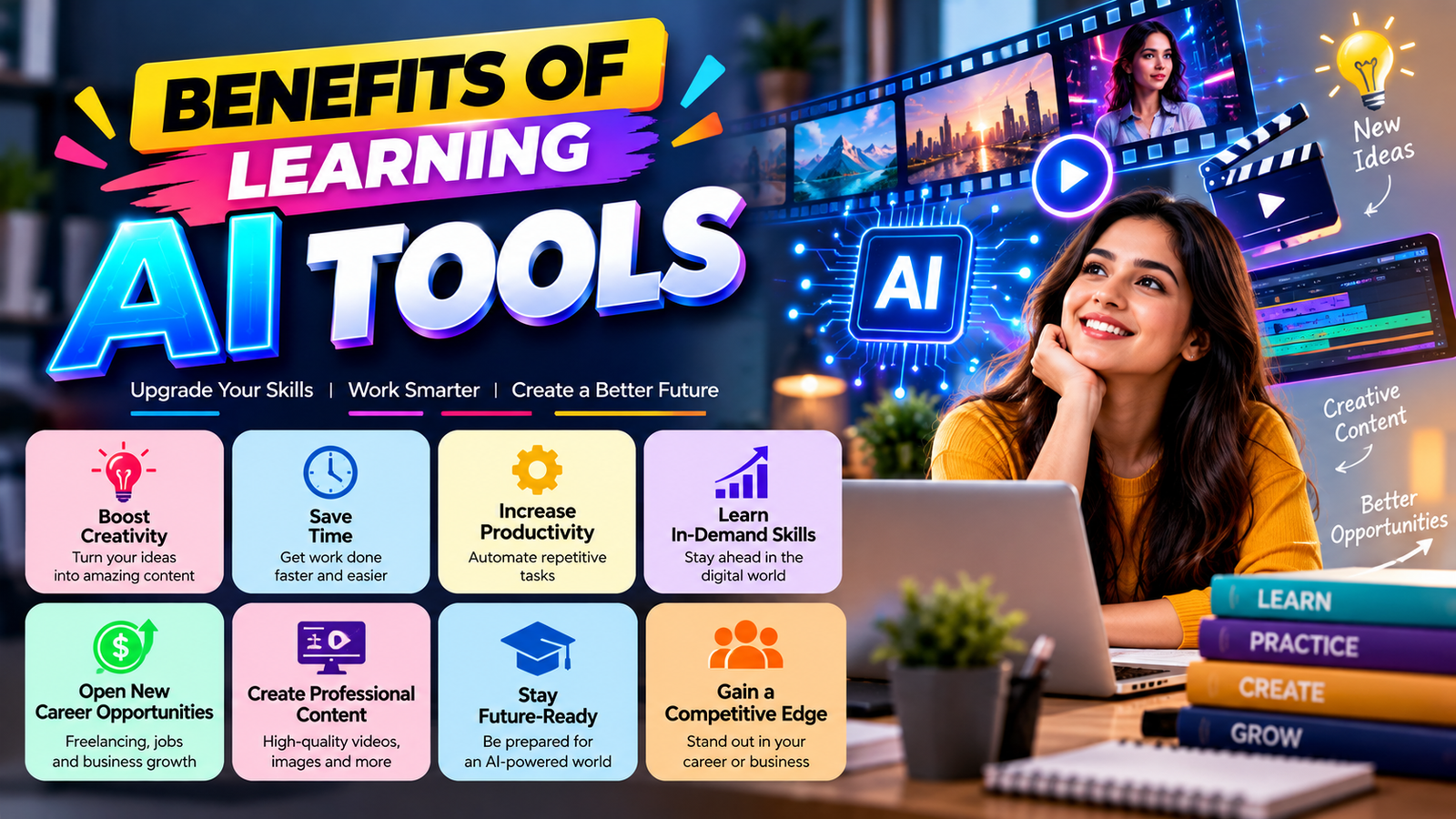
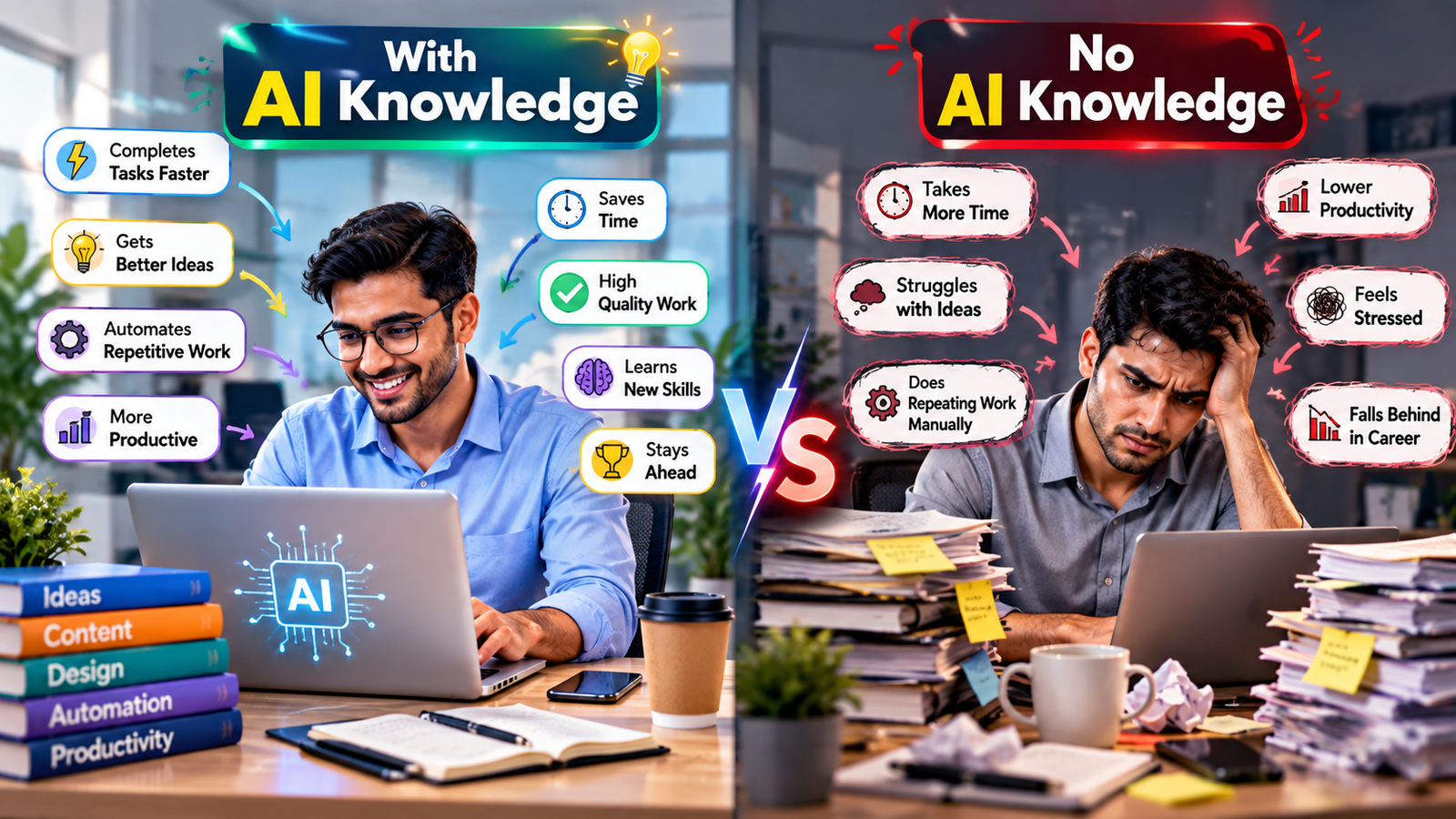
No. AI speeds up production, but ideas, storytelling, and judgment still come from people. Creators who learn AI tools for video creation alongside basic editing skills will have a strong advantage in jobs, freelancing, and business.
16. How can I learn AI video creation?
You can start with free plans and online tutorials, but structured, hands-on training is the fastest way to get professional results.
At CHARAN COMPUTER EDUCATION, learners get practical guidance on modern computer skills and AI tools from an instructor with more than 20 years of training experience.
About the Author
Kamlesh Sachdev is the Founder of CHARAN COMPUTER EDUCATION. He has more than 20 years of experience in computer training. He teaches at classes and delivers corporate and industrial trainings, helping students, working professionals, and organizations adopt new technology with confidence.
Want to learn AI video creation hands-on?
Visit charaneducation.com to explore our computer classes and training programs.