
Adobe After Effects Course in Ulhasnagar
3 Months
challenge to become Expert in Adobe Illustrator
₹ 9999
₹ 7499
View Syllabus
- Intro Motion graphics
- Understanding UITimeline Panel
- Writing Text
- Animating Text
- Typography Animation
- Kinetic motion graphics
- Basics of Animation
- Preparing for Slideshow
- Animating Images
- Creating depth base slide show
- Importing Images
- Creating Depth
- Adding color correction
- Blending modes
- Masking in After Effects
- Blending fog
- Color maching and Rendering
- Understanding Vector shapes
- Animating Vector Shapes
- Animation with Repeaters
- Combining multiple animations
- Animating Social media Icons
- Applying Effect animation on logo
- Creating Vector Shapes in After Effects
- Trim paths for Arrow Animation
- Refining Animation
- Infographic Animation in After Effects
- Loop Expressions in Effcter Effects
- Expression Animation in After effects
- Understanding 3d layers in Afx
- 3d Camera In After Effects
- Adding Lights in 3d
- Creating Background Elements
- Tiling background Animation
- 3D background effects
- Special Effects Background
- Learning Chroma techniques
- Creating 3d Reflection
- VFX Particle system
- Plugins in Aftereffects
- Intro to vfx
- Creating rainfall in city
- Creating your own clone
- Adding Fire in the Scene
Choose Your Perfect Course
Fees may Increase in
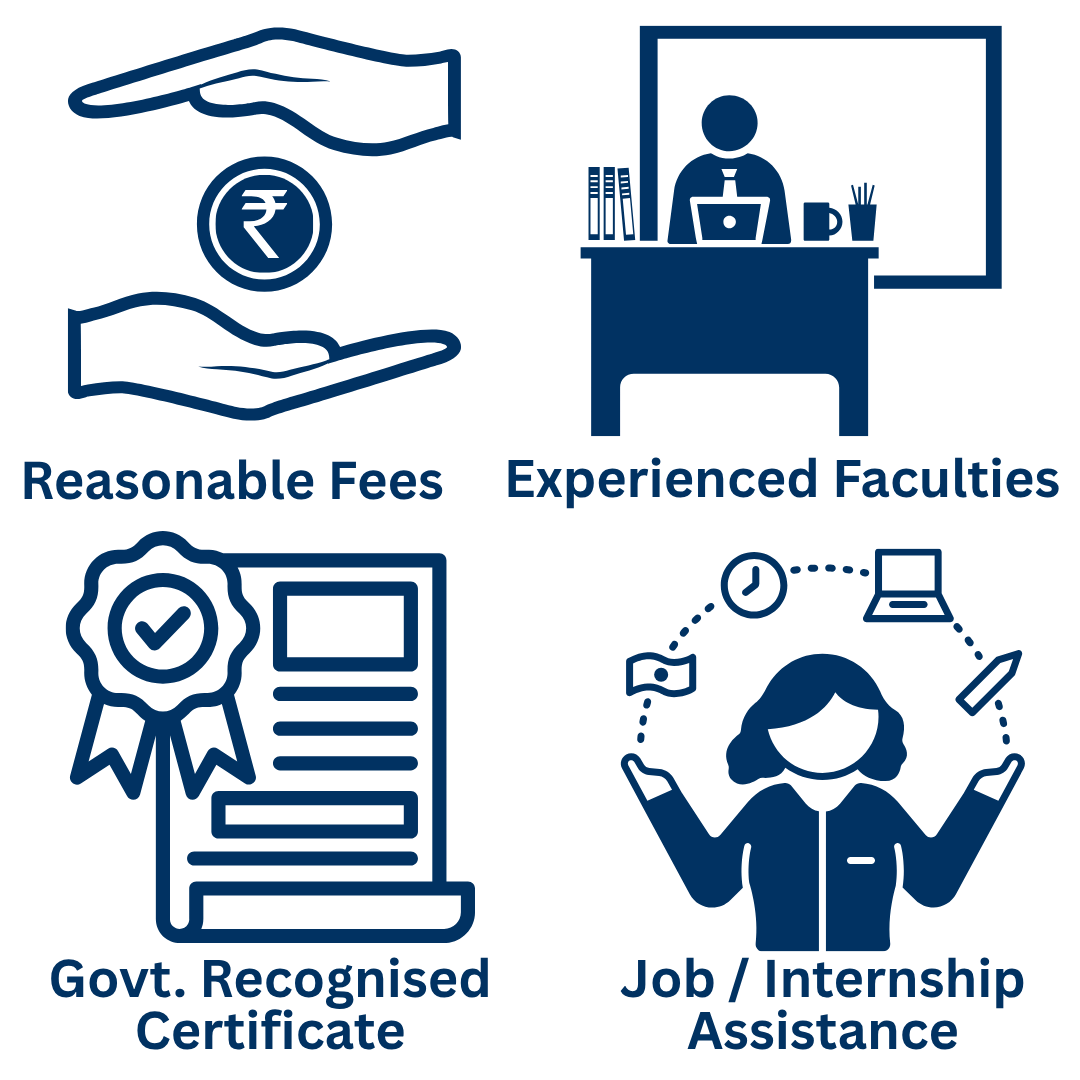
Why Learners Trust
CHARAN COMPUTER EDUCATION ??
Proudly Authorised by AICPE for Professional Computer Education and Skill Development.
AICPE - All India Council for Professional Excellence is an autonomous private skill development and certification organisation operated under AICPE Educational Services Private Limited. We design practical, career-oriented and self-employment focused courses for students, job seekers, working professionals, women learners, entrepreneurs and local training institutes across India.
Frequently Asked Questions (FAQs)
1. Where can I learn Adobe After Effects in Ulhasnagar?
You can contact CHARAN COMPUTER EDUCATION in Ulhasnagar to enquire about Adobe After Effects training, syllabus, fees, batch timings, and course availability.Call or WhatsApp +91 9320073838 or visit https://charaneducation.com/.
2. What is Adobe After Effects used for?
Adobe After Effects is used to create motion graphics, animated text, logo animations, visual effects, compositing, title sequences, and animated promotional content. It is commonly used in video production, advertising, filmmaking, and digital content creation.
3. What is the difference between Adobe Premiere Pro and After Effects?
Adobe Premiere Pro is primarily designed for editing and assembling video footage, while Adobe After Effects specialises in motion graphics, animation, visual effects, and compositing. The two applications can be used together in professional video production workflows.
4. Is Adobe After Effects suitable for beginners?
Yes. Beginners can learn the interface, compositions, layers, keyframes, text animation, and basic effects before progressing to motion tracking, compositing, and more advanced animation techniques.
5. How long does it take to learn Adobe After Effects?
The time required 3 months and also depends on the course syllabus, practice hours, and your learning goals. Basic animations can be learned before progressing to complex motion graphics and visual effects. Contact CHARAN COMPUTER EDUCATION for the current course duration.
6. What is the fee for an Adobe After Effects course in Ulhasnagar?
The current fee depends on the course duration, syllabus, and training arrangement. Contact CHARAN COMPUTER EDUCATION at +91 9320073838 for the latest fee details and batch availability.
7. Do I need graphic design or video editing experience?
Prior experience can be helpful but is not essential for learning the basics. Understanding design principles, typography, and video editing can make it easier to create polished motion graphics as you progress.
8. Can I create animated logos using After Effects?
Yes. After Effects can be used to animate logos, text, shapes, icons, and other graphic elements for brand introductions, advertisements, presentations, and social media videos.
9. Can I use After Effects for Instagram Reels and YouTube Shorts?
Yes. After Effects can create animated titles, visual effects, transitions, motion graphics, and other elements for vertical videos, Reels, Shorts, and promotional content.
10. Can I become a motion graphics designer after learning After Effects?
Learning After Effects can help you build a foundation for motion graphics design. Developing professional skills also requires consistent practice, design knowledge, project experience, and a portfolio demonstrating your abilities.
11. Do I need a powerful computer for Adobe After Effects?
After Effects can require substantial computer resources, particularly for high-resolution footage, complex compositions, and 3D workflows. Recommended hardware depends on the software version and project complexity. Ask the institute about the computers available for practical training.
12. Does CHARAN COMPUTER EDUCATION provide a certificate for this course?
Contact the institute to confirm whether a certificate is offered for the current course and which organisation issues it. Do not assume that an institute's general authorisation automatically covers every individual course.
13. How do I enrol in the Adobe After Effects course?
Contact CHARAN COMPUTER EDUCATION for the current course syllabus, fees, duration, batch timings, and admission procedure.Phone/WhatsApp: +91 9320073838
Email: charanclassesunr@gmail.com
Website: https://charaneducation.com/
Start Learning Motion Graphics and Visual Effects
Build your creative skills with Adobe After Effects and explore the world of animation, motion graphics, visual effects, and digital content production.
Enquire about the Adobe After Effects Course at CHARAN COMPUTER EDUCATION, Ulhasnagar.
Call or WhatsApp: +91 9320073838
CHARAN COMPUTER EDUCATION – Learn Today, Grow Tomorrow.