
HTML DHTML Course in Ulhasnagar
1 Month
challenge to become Expert in HTML & DHTML
₹ 3999
₹ 2999
View Syllabus
- Introduction to HTML and Its Versions
- Structure of an HTML Document
- HTML Tags, Elements and Attributes
- Change Background
- Headings and Paragraphs
- Line Breaks and Horizontal Rules
- HTML Comments
- Text Formatting Tags
- Ordered and Unordered Lists
- Description Lists
- Creating Hyperlinks
- Internal and External Links
- Email and Telephone Links
- Inserting Images
- Image Attributes and Alternative Text
- Linking Images and Managing File Paths
- Creating HTML Tables
- Table Rows, Columns and Cells
- Table Headings and Captions
- Cell Padding and Spacing
- Rowspan and Colspan
- Table Borders and Basic Styling
- Introduction to HTML Forms
- Text Fields and Password Fields
- Radio Buttons and Checkboxes
- Dropdown Lists and Text Areas
- Submit, Reset and Button Controls
- Audio and Video Elements
- Embedding YouTube Videos
Choose Your Perfect Course
Fees may Increase in
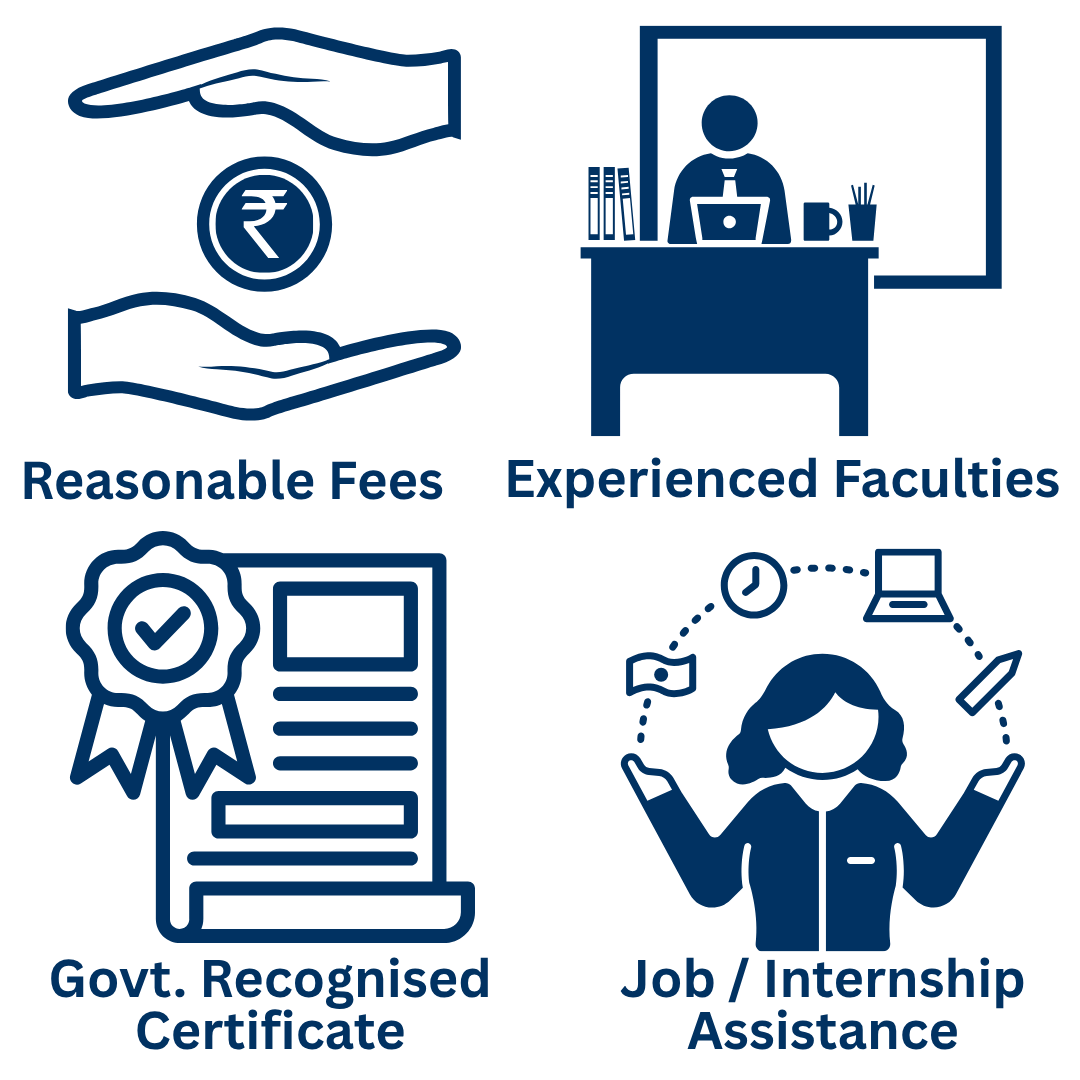
Why Learners Trust
CHARAN COMPUTER EDUCATION ??
Proudly Authorised by AICPE for Professional Computer Education and Skill Development.
AICPE - All India Council for Professional Excellence is an autonomous private skill development and certification organisation operated under AICPE Educational Services Private Limited. We design practical, career-oriented and self-employment focused courses for students, job seekers, working professionals, women learners, entrepreneurs and local training institutes across India.
Frequently Asked Questions (FAQs)
1. What is HTML?
HTML stands for HyperText Markup Language. It is the standard markup language used to structure web pages, including headings, paragraphs, images, links, tables, forms, and other website elements.
2. What is DHTML?
DHTML stands for Dynamic HTML. It refers to the use of HTML, CSS, and JavaScript together to create interactive and dynamic web page effects. DHTML is not a separate programming language.
3. What is the duration of the HTML & DHTML Course at CHARAN COMPUTER EDUCATION?
The HTML & DHTML Course at CHARAN COMPUTER EDUCATION in Ulhasnagar has a duration of 1 month. It introduces web page structure, formatting, basic interactivity, and the fundamentals of front-end web development.
4. What topics are covered in the HTML & DHTML Course?
The course can cover the following topics:
- Introduction to HTML and Its Versions
- Structure of an HTML Document
- HTML Tags, Elements and Attributes
- Change Background
- Headings and Paragraphs
- Line Breaks and Horizontal Rules
- HTML Comments
- Text Formatting Tags
- Ordered and Unordered Lists
- Description Lists
- Creating Hyperlinks
- Internal and External Links
- Email and Telephone Links
- Inserting Images
- Image Attributes and Alternative Text
- Linking Images and Managing File Paths
- Creating HTML Tables
- Table Rows, Columns and Cells
- Table Headings and Captions
- Cell Padding and Spacing
- Rowspan and Colspan
- Table Borders and Basic Styling
- Introduction to HTML Forms
- Text Fields and Password Fields
- Radio Buttons and Checkboxes
- Dropdown Lists and Text Areas
- Submit, Reset and Button Controls
- Audio and Video Elements
- Embedding YouTube Videos
5. Who can join the HTML & DHTML Course?
Students, beginners, job seekers, aspiring web designers, and anyone interested in learning website development can join the course. It is suitable for learners who want to understand how web pages are created.
6. Do I need prior programming knowledge to learn HTML and DHTML?
No. The course can start with basic HTML and gradually introduce styling and simple interactivity. Prior programming experience is helpful but not essential.
7. What is the difference between HTML and DHTML?
HTML provides the structure and content of a web page. DHTML describes the combination of HTML, CSS, and JavaScript used to change page content, styles, or behaviour dynamically in response to user actions.
8. What is the difference between HTML and CSS?
HTML defines the structure and meaning of web content, while CSS controls its visual appearance, including colours, fonts, spacing, backgrounds, and layouts. Both are fundamental to web designing.
9. Will I learn to create a basic website using HTML?
Yes. You can learn how to structure web pages using headings, paragraphs, images, hyperlinks, lists, tables, and forms. These skills provide a foundation for creating simple websites.
10. Can I add images, links, and tables using HTML?
Yes. HTML allows you to insert images, create links between pages, organise information into lists, and display structured data using tables.
11. Will I learn HTML forms?
Yes. The course introduces HTML forms and common input fields used to collect information such as names, email addresses, contact details, and user responses.
12. What is JavaScript, and why is it used in DHTML?
JavaScript is a programming language that adds interactivity to web pages. It can respond to user actions, validate form inputs, update content, and change styles dynamically.
13. What is the DOM in web designing?
The Document Object Model (DOM) represents a web page as a structured set of objects. JavaScript can use the DOM to access and modify HTML elements, content, and styles.
14. Will I learn to create interactive web pages?
The course introduces basic interactivity using JavaScript and DOM concepts. Depending on the projects covered, this may include changing text or colours, responding to button clicks, and handling simple user events.
15. Which software is required to learn HTML and DHTML?
A modern web browser and a text or code editor are sufficient to begin learning HTML. Learners can practise by writing code, saving HTML files, and opening them in a browser.
16. What career opportunities are available after learning HTML and DHTML?
HTML and DHTML fundamentals can support further learning and entry-level work in areas such as:Junior Web DesignerHTML Developer TraineeWebsite Content AssistantFront-End Development TraineeWebsite Maintenance AssistantCareer opportunities depend on practical skills, project experience, and additional knowledge of CSS, JavaScript, responsive design, and modern web development tools.
17. Is HTML & DHTML useful for learning web development?
Yes. HTML is a core web technology, while CSS and JavaScript help create attractive and interactive websites. Learning these fundamentals can prepare you for more advanced web development courses.
18. Can I learn WordPress after completing HTML & DHTML?
Yes. HTML knowledge can help you understand website structure and troubleshoot basic layout issues when working with WordPress. You can continue with WordPress website designing, CSS, JavaScript, and SEO to expand your skills.
19. Is practical learning important in the HTML & DHTML Course?
Yes. Writing code and testing it in a browser helps you understand how web pages work. Practical exercises can improve your confidence in building and modifying basic web pages.
20. Where can I join an HTML & DHTML Course in Ulhasnagar?
You can enquire about the HTML & DHTML Course at CHARAN COMPUTER EDUCATION, an AICPE-authorised training centre providing computer education in Ulhasnagar since 2020.For course details and admission enquiries, contact 9320073838 or visit charaneducation.com.